Multiple kennels, one login — how it works
Some breeders have more than one kennel name, usually one breed under each. Until now they had to sign up once per kennel: three logins, three email addresses, the same postal address typed in three times. That has changed. One account can now hold several kennels.
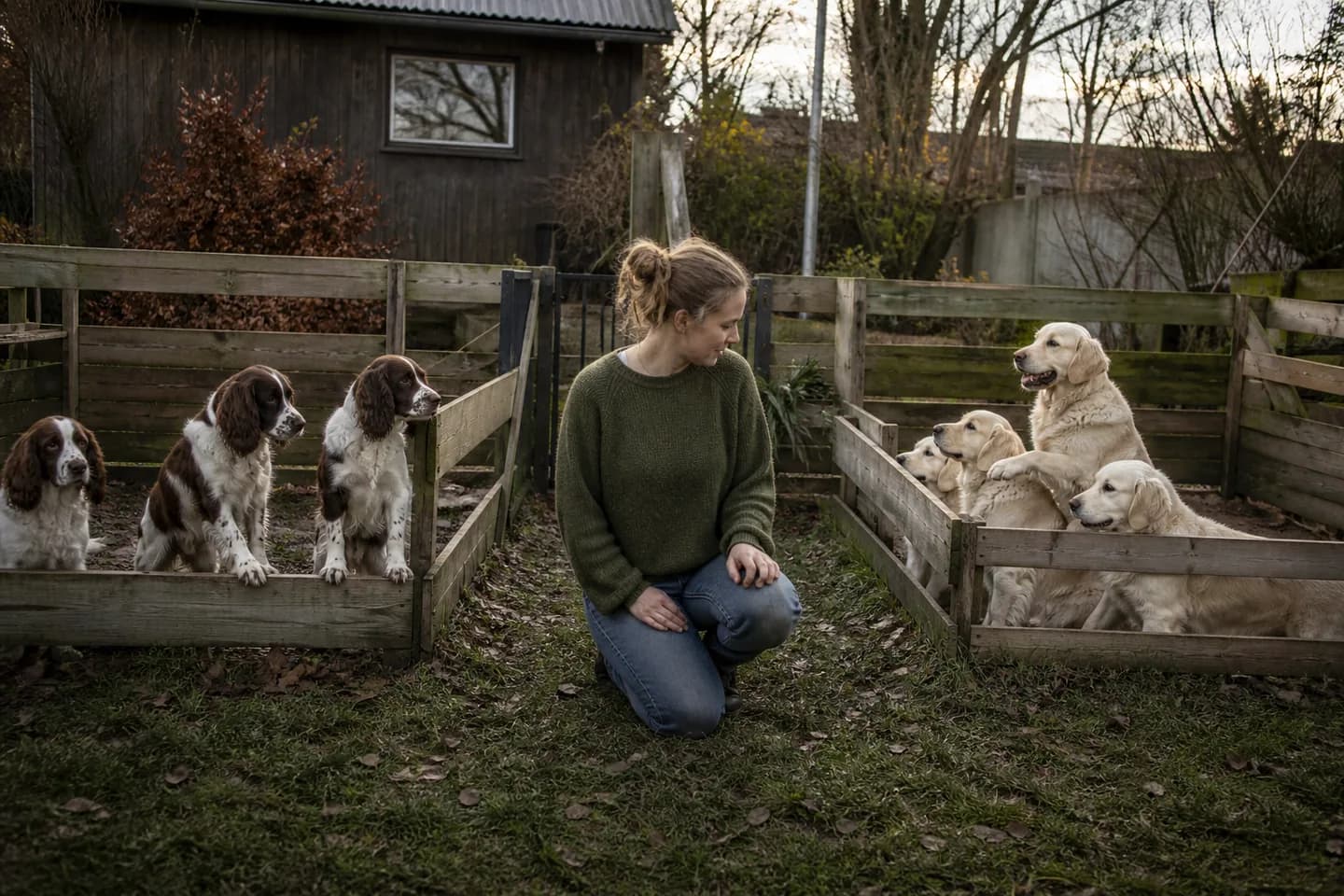
One way in, several kennels behind it
You log in in one place, with one email address and one login link. Behind that door the kennels sit apart: litters, puppies, the archive, the greetings your buyers receive and the reminders all belong to the individual kennel, not to the account. There is nowhere in Trofast where two kennels are mixed together.
How to switch
At the top of the breeder section is the name of the kennel you are working in, and just below it a list you can switch in. If you only have one kennel there is no list — there would be nothing to choose between.
When you switch, you land on the puppy list in the new kennel, not on the page you were on. If you were looking at a single puppy, that page would be about an animal in the kennel you had just left.
The kennel you are in is also the one a new puppy is created in. If in doubt, the name is at the top.
Setting up a second kennel
Under "Your kennels" you will find "Set up another kennel". Your own details are already filled in, so in practice you only write the kennel name. Once it exists, you are standing in the new kennel — not the one you came from.
To change something about a kennel you already have — its name, contact details or description — do it on the kennel page. The sign-up page always creates a new one.
The names have to differ
The same account cannot hold two kennels with the same name. There are two reasons: you need to tell them apart in the list, and a double click on "Create" should not leave you with the same kennel twice.
The choice follows the screen you are at
Trofast remembers which kennel you were last in — in the browser, not on your user. You can have one kennel open on the computer and another on your phone without one changing the other. It is remembered for up to a year, so you land in the same place after a holiday.
If you already have several logins
If you already have one account per kennel, because that is how it used to work, get in touch. There is no button to merge them yet, but we would like to know — it helps decide how soon we build one.
Further reading
Frequently asked questions
- Do I need an email address for each kennel?
- No. All your kennels belong to the same login and the same email address. You get one login link and switch between the kennels inside Trofast.
- Can the families see that my kennels belong together?
- No. Buyers meet the kennel their puppy came from. Litters, puppies and greetings belong to the individual kennel and are never mixed across them.
- How many kennels can I have?
- There is no set limit. They simply need different names — the same account cannot hold two kennels called the same thing.
- What if I have already signed up more than once?
- Get in touch. There is no button yet for merging two existing accounts, but it is something we are happy to sort out by hand.